How to Use Shopee Seller Centre Conversion Reports to Find Which Product Categories Convert Best at Full Price
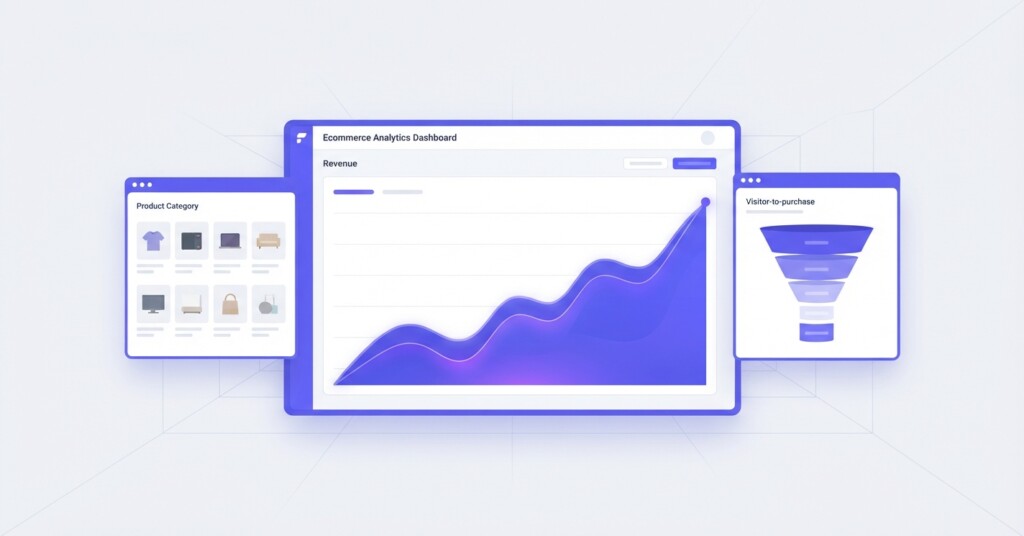
Most Shopee sellers know their top-selling SKUs. Far fewer know which product categories consistently convert at full price — without discounts, vouchers or flash sale mechanics propping up the numbers. That distinction matters enormously for margin. A category that sells 500 units per month only because it is permanently discounted may be generating less gross profit than a quieter category selling 150 units at full price with no promotional spend attached.
Shopee Seller Centre contains the data you need to answer this question. The challenge is that the relevant metrics are spread across several report sections, and many sellers never look beyond the summary dashboard. This article walks through exactly how to extract, combine and interpret conversion data to identify your highest-quality, full-price categories — and what to do with that insight once you have it.
Why Full-Price Conversion Rate Is the Metric That Actually Matters
Conversion rate on its own tells you what share of product page visitors completed a purchase. That is a useful starting point, but it is incomplete. A product running a 40% discount voucher will almost always convert better than the same product at its regular price. If you optimise purely for conversion rate, you will find yourself recommending deeper discounts as the solution to every underperforming category — which accelerates a margin erosion cycle that is very difficult to reverse.
Full-price conversion rate strips away the distortion. It answers the question: when no promotional mechanic is active, what share of shoppers actually buy? That number reflects genuine product-market fit, listing quality, competitive positioning and price sensitivity. It is also a much stronger predictor of long-term category profitability.
Full-price conversion rate is not a metric Shopee calculates automatically in a single report. You need to cross-reference your Product Performance and Traffic reports with your Marketing promotion data in Business Insights to isolate periods and SKUs where no discount mechanic was applied. The process takes 30–60 minutes per analysis cycle but pays for itself quickly in better promotional decisions.
Navigating the Shopee Seller Centre Reports You Need
Log into Seller Centre and navigate to the ‘Data’ section on the sidebar to open ‘Business Insights’. The three main reporting areas you need for this analysis are: Product Performance (under the Product tab, alongside the Traffic tab), the Sales tab, and the Marketing tab. Here is what each contains and why it matters.
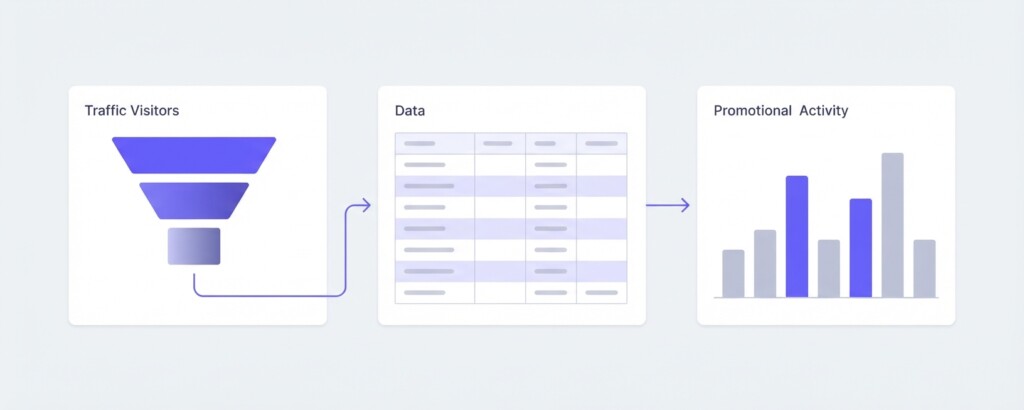
Product Performance (under the Product tab) and the Traffic tab show you, at both the shop level and the product level, how many unique visitors landed on a listing, how many added to cart, and how many completed checkout. The conversion funnel captures key stages: visitors to adds-to-cart, adds-to-cart to orders placed, and overall visitor-to-purchase conversion. Shopee expresses these as percentages and you can filter by data period and by product or category.
The Sales tab gives you order volume, revenue, and units sold broken down by product. When you export this and cross-reference with your traffic and visitor data, you can calculate average selling price per unit — which tells you whether orders were placed at list price or at a discounted price.
The Marketing tab tracks every campaign and promotional tool active in a given period: flash deals (like My Shop’s Flash Deals), shop vouchers, discount promotions, bundle deals, and add-on deals. Exporting performance reports with start and end dates gives you a clear record of when each SKU was running under a promotional mechanic.
Step-by-Step: Building Your Full-Price Conversion Analysis
- Export 90 days of Product Performance data at the product level from Business Insights (under the Product tab). Download as CSV or Excel. Include columns for product name, category, unique visitors, add-to-cart count, orders, and conversion rate.
- Export your sales data from the Sales tab for the same 90-day window. You need: product name, units sold, total revenue, and date of sale.
- Export promotion performance data from the Marketing tab for the same period. Note which SKUs were in flash deals, shop vouchers or promotional campaigns, and on which dates.
- In a spreadsheet, create a column called ‘Promotional Days’ for each product. Count the number of days within the 90-day window when a discount mechanic was active for that SKU.
- Calculate Average Selling Price (ASP) per product: divide total revenue by total units sold. Compare this against your listed price. If ASP is more than 5% below list price, the product was predominantly sold under promotion.
- Identify ‘clean’ periods: date ranges where a given product had no active promotion. Filter your Product Performance data to those date ranges for each product. This is your full-price conversion data.
- Aggregate the full-price conversion figures by category. Where you have at least 200 visitors in the clean period, the conversion rate is statistically meaningful. Below 200 visitors, flag it as low-confidence data.
- Rank categories by full-price conversion rate. Note the category, full-price conversion rate, and margin tier (high / medium / low margin based on your COGS data).
- Cross-reference with gross profit per order. A category converting at 4% full-price with a 55% gross margin is significantly more valuable than one converting at 7% full-price with a 22% gross margin.
Example: What This Looks Like in Practice
Consider a seller operating across Shopee and Shopify who carries three main categories: kitchen accessories, personal care tools, and home organisation products. Over 90 days, their Shopee data looks like this after isolating clean (non-promotional) periods:
| Category | Clean-Period Visitors | Full-Price Orders | Full-Price Conv. Rate | Avg. Gross Margin | Gross Profit per Order |
|---|---|---|---|---|---|
| Kitchen Accessories | 3,200 | 96 | 3.0% | 48% | $8.60 |
| Personal Care Tools | 2,800 | 182 | 6.5% | 61% | $21.40 |
| Home Organisation | 1,900 | 57 | 3.0% | 34% | $5.80 |
On the surface, kitchen accessories and home organisation share the same 3.0% conversion rate. But gross profit per order tells a very different story. Personal care tools are the standout: the highest full-price conversion rate and by far the highest margin per order. Home organisation looks unattractive on both dimensions.
The practical implication is not necessarily to abandon home organisation, but to stop treating it as a priority category for paid traffic spend or Shopee Ads budget. Personal care tools should receive the largest share of SKU expansion investment, listing optimisation effort, and any budget allocated to Shopee Preferred Seller programmes or external traffic campaigns.
The Calculation That Ties It Together: Full-Price Contribution Margin
| Average Selling Price (full price, no discount) | $35.00 |
| Less: Cost of Goods Sold | -$13.65 |
| Gross Profit | $21.35 |
| Less: Shopee Commission (estimated at 3%) | -$1.05 |
| Less: Shipping Subsidy (seller-borne) | -$2.00 |
| Less: Allocated Shopee Ads Cost per Order | -$1.80 |
| Contribution Margin per Full-Price Order | $16.50 |
Run this calculation at the category level using your actual COGS, platform fees and ads spend. The contribution margin per full-price order is the number you want to see increase. Categories with a strong full-price conversion rate and high contribution margin are your business’s most valuable growth levers. Categories with low full-price conversion and low contribution margin should be evaluated critically — they are absorbing operational and marketing resources that could be redeployed.
Do not rely on Shopee’s displayed ‘conversion rate’ on the seller dashboard without checking whether promotional activity was running. A conversion rate calculated during a major voucher campaign can be three to five times higher than the same product’s non-promotional baseline. Using inflated conversion figures to guide ad spend or inventory decisions will consistently disappoint you when conditions return to normal.
How Multi-Channel Context Changes the Interpretation
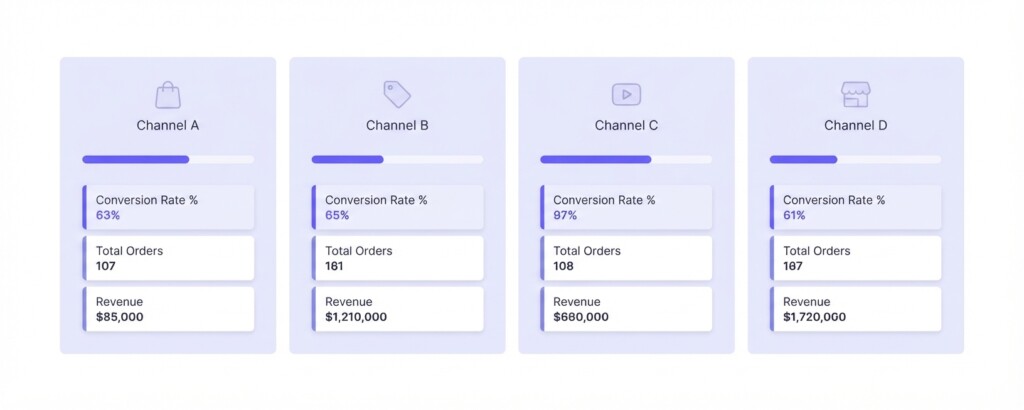
If you sell the same product categories on Shopify, Lazada and TikTok Shop alongside Shopee, your full-price conversion analysis becomes even more powerful when viewed across channels. A category that converts well at full price on Shopee but poorly on Lazada may indicate a listing quality gap, a pricing mismatch relative to competitor positioning on Lazada, or a different audience intent on that platform.
TikTok Shop conversions are structurally different because they are driven by content discovery rather than active search. A product that converts at 2.5% full-price on Shopee through search traffic but converts at 8% on TikTok Shop through a strong video format is not necessarily more price-sensitive on Shopee — it may simply be a product where demonstration drives purchase intent more effectively than static imagery. Understanding that nuance helps you decide where to direct content investment versus search optimisation investment.
Shopify data from your own store is the cleanest benchmark of all, because you control the promotional calendar entirely and can run clean periods deliberately. If your Shopify full-price conversion rate for a category is materially higher than Shopee’s, your Shopee listing quality or pricing strategy may need attention rather than your product.
Practical Improvements Once You Have Identified Your Best Categories
After ranking categories by full-price conversion rate and contribution margin, the next decisions are straightforward. For your top-performing categories, the priority actions are: expand SKU depth to capture adjacent search terms, allocate more Shopee Ads budget toward exact-match keywords in those categories, and review your listing content — main images, video, bullet points — to ensure they are converting as effectively as possible without relying on price reductions to close the sale.
For mid-tier categories, run A/B tests on your listing titles, main images and pricing. A category sitting at 2.8% full-price conversion may have headroom to reach 4% simply through better listing presentation. Do not reach for vouchers as the first lever — improve the listing first and measure conversion over a 3–4 week clean window before drawing conclusions.
For low-performing categories with poor full-price conversion and low margins, consider whether these are genuinely strategic categories for your business or simply inherited inventory decisions. If the category requires permanent discounting to move volume and delivers sub-20% gross margin after fees, the capital tied up in its inventory is likely better deployed elsewhere.
Tools like BrizoMarket can help multi-channel sellers consolidate this kind of analysis across Shopee, Lazada, Shopify and TikTok Shop in one place, making it faster to compare full-price contribution margins by category without manually reconciling multiple CSV exports. That is particularly useful when you are running 20 or more SKUs across two or more platforms and the manual process becomes a bottleneck.
Setting Up a Repeatable Monthly Review Process
This analysis is most valuable when it is done consistently rather than as a one-off exercise. Build a monthly review into your reporting cycle. At the start of each month, export the previous month’s traffic, sales, and promotion data. Identify the clean periods and calculate full-price conversion by category. Track the movement month-on-month. A category that is trending upward in full-price conversion is gaining organic traction. A category trending downward despite no pricing changes may be facing increased competitor listings or declining search volume.
Pair this with a quarterly review of your contribution margins by category. As your supplier costs shift, as Shopee commission tiers adjust, or as your shipping costs change, the contribution margin calculation needs to be refreshed. A category that looked attractive six months ago may no longer clear your margin hurdle if COGS has increased.
Analyse Your Category Profitability Across Every Channel
BrizoMarket helps multi-channel sellers consolidate sales, margin and conversion data from Shopee, Lazada, TikTok Shop and Shopify — so you can identify your best-performing categories without spending hours in spreadsheets.