How to Use Lazada Seller Centre Finance Reports to Reconcile Payouts, Fees, and Deductions Into a Clean Monthly P&L
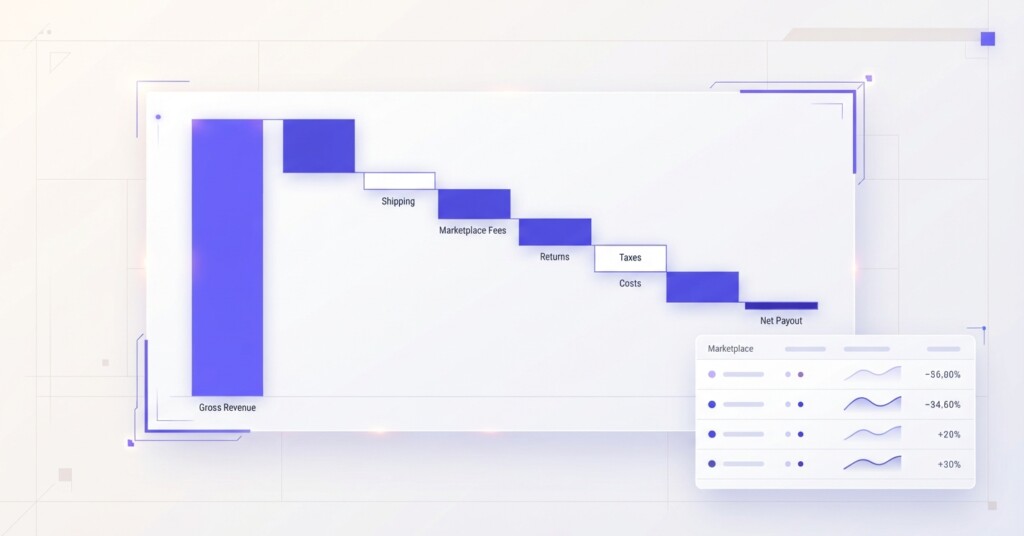
If you sell on Lazada alongside other channels like Shopee, Shopify or TikTok Shop, you already know the frustration: money lands in your bank account, and it never quite matches what you expected. Lazada’s payout structure — with its commission tiers, voucher co-funding, shipping subsidies, penalty deductions, and adjustment credits — makes reconciliation genuinely difficult without a systematic process. This article walks through exactly how to use Lazada Seller Centre Finance Reports to extract clean numbers and build a monthly P&L you can actually trust.
Why Lazada Payouts Are Hard to Reconcile
Lazada pays sellers on a weekly statement cycle (Monday to Sunday), typically releasing payouts weekly after order completion and return windows close, though sellers can also adjust payout frequencies via Seller Balance auto-withdraw settings. Each settlement statement bundles together dozens of line items: gross product revenue, platform commissions, payment processing fees, voucher deductions, LazMall fees (if applicable), shipping fee credits or charges, and penalty adjustments for late dispatch or policy violations. None of these appear as separate deposits — they are all netted down to a single payout figure. Without reading the Finance Reports carefully, most sellers only know their net payout, not the gross revenue or individual cost components behind it.
Lazada’s Finance Reports are the authoritative source of truth for your settlement data. Do not rely on Order Management reports alone — those show GMV, not net settlement amounts. Always start reconciliation from the Finance section of Seller Centre.
Where to Find the Finance Reports in Seller Centre
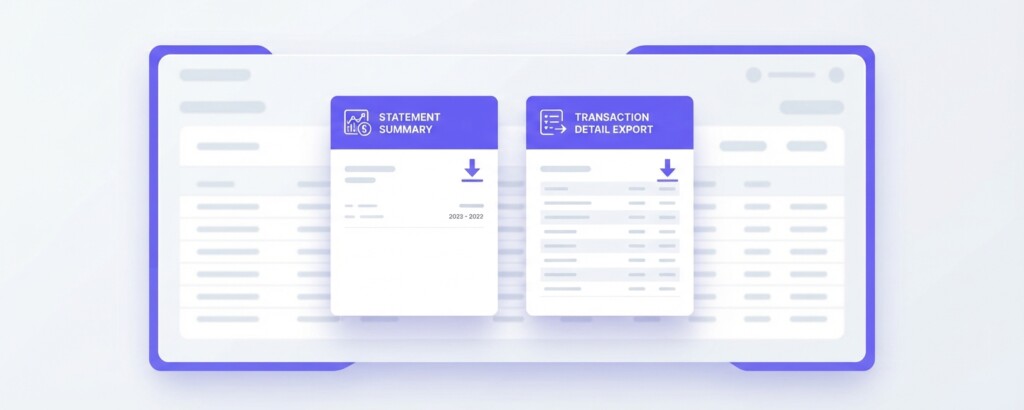
Inside Lazada Seller Centre, navigate to ‘Finance’ in the side menu, then select ‘Account Statements’ (or ‘My Income’ / ‘Finance Reports’). You will find several downloadable report types. The two most important for reconciliation are the ‘Statement of Account’ (which summarises each settlement period) and the ‘Transaction Details’ report (which shows line-item activity at the order and SKU level). Download both as CSV or Excel files, covering the full calendar month you want to analyse. If a settlement cycle straddles two calendar months, you may need to pull two cycles and filter by order date rather than settlement date to align your P&L to the correct period.
Understanding the Key Line Items in the Statement of Account
The Statement of Account presents your settlement in a waterfall format. Here is what each major line item means and how it feeds into your P&L:
| Line Item | What It Represents | P&L Category |
|---|---|---|
| Gross Merchandise Value (GMV) | The total selling price paid by customers, before any deductions | Gross Revenue |
| Platform Commission | Lazada’s percentage fee varying by category (typically 4–10% for standard sellers, higher for LazMall, calculated on item price net of seller discounts) | Channel Fee — COGS or OpEx |
| Payment Processing Fee | A percentage fee for payment gateway handling (commonly around 2–3% depending on region and taxes) | Channel Fee — COGS or OpEx |
| Shipping Fee Credit | Lazada subsidising shipping costs on your behalf — this may be a credit or debit depending on your shipping arrangement | Logistics Cost |
| Voucher/Discount Deduction | Co-funded discounts where Lazada deducts the seller-funded portion of vouchers | Promotional Cost |
| Seller Voucher Co-fund | Your share of voucher promotions you opted into | Promotional Cost |
| Penalty/Adjustment | Deductions for late dispatch, order defects, or policy violations | Other Deductions |
| Net Payout | The final amount transferred to your bank account | Net Settlement |
Understanding where each figure sits in your cost structure is what separates a clean P&L from a bank reconciliation. Commission and payment fees are effectively a cost of selling on the channel — some operators put these under cost of goods sold, others treat them as channel operating expenses. What matters is consistency across your channels so you can compare Lazada’s true contribution margin against Shopee or Shopify.
A Step-by-Step Reconciliation Process
- Download the Statement of Account and Transaction Details files for the month from Seller Centre Finance.
- In the Transaction Details file, filter by ‘Order Date’ to isolate your calendar month if reporting on an accrual basis, or by statement settlement date for cash-based accounting.
- Sum the GMV column — this is your Lazada gross revenue for the month.
- Sum all commission, payment fee, and shipping charge columns separately. Label these clearly as channel costs.
- Sum all voucher co-funding deductions. These represent your promotional spend on Lazada and should appear in your P&L as a marketing or promotional cost.
- Sum any penalty or adjustment lines. Flag these separately — persistent penalty deductions signal operational issues worth fixing.
- Cross-check: GMV minus all deductions should equal the net payout figure on your Statement of Account. If reconciling by order date, account for timing differences (orders completed but return window not yet closed).
- Transfer the reconciled figures into your monthly P&L template.
Building the Lazada Section of Your Monthly P&L
Once you have clean, reconciled figures from the Finance Reports, you can build a proper P&L section for the Lazada channel. A realistic example for a skincare brand selling on Lazada might look like this:
| Gross Revenue (GMV) | $28,400 |
| Less: Cost of Goods Sold | -$11,360 |
| Gross Profit | $17,040 |
| Gross Margin on GMV | 60.0% |
| Less: Platform Commission (3.5%) | -$994 |
| Less: Payment Processing Fee (2%) | -$568 |
| Less: Seller-Funded Voucher Deductions | -$1,420 |
| Less: Shipping Charges (net) | -$340 |
| Less: Penalty Deductions | -$85 |
| Net Payout (confirmed vs. bank) | $24,993 |
| Contribution Margin (after channel fees and promos) | $13,633 |
| Contribution Margin % on GMV | 48.0% |
The distinction between gross margin and contribution margin is important here. Gross margin tells you what you made after product cost. Contribution margin tells you what Lazada actually contributes to covering your fixed costs and generating profit, after accounting for everything the channel charges you. A 60% gross margin looks healthy until you see that channel fees and vouchers consume 12 percentage points, leaving a 48% contribution margin. Across a multi-channel business, this is the number that lets you compare Lazada fairly against Shopee or your Shopify DTC store.

Common Reconciliation Problems and How to Fix Them
If your net payout does not match the Statement of Account total, do not adjust your P&L to force a match. Investigate first. Common causes include: return refunds processed in a different settlement period, pending order completions that have not released from escrow, and adjustment credits applied to future cycles. Document every discrepancy with the relevant order IDs.
Beyond payout mismatches, sellers frequently encounter these reconciliation issues on Lazada:
‘Voucher deductions are larger than expected.’ This typically happens when sellers opt into Lazada-wide campaigns (like 11.11 or payday sales) without carefully reading the seller co-funding terms. Each campaign agreement specifies your percentage share of the discount. Check your Campaign Management section and compare the co-fund rates to what appears in your Transaction Details file.
‘Commission rate appears higher than my tier agreement.’ Lazada applies different commission rates to different product categories, and rates may differ between standard marketplace and LazMall. If you sell across categories, your blended commission will vary month to month depending on your product mix. Always verify against the category-level breakdown in the Transaction Details rather than applying a single flat rate.
‘Shipping credits are inconsistent.’ Lazada sometimes subsidises shipping costs for promotional periods, which appears as a shipping credit in your favour. Outside promotional periods, you may bear more of the cost. If your logistics line fluctuates significantly, trace it back to specific campaign periods in the Transaction Details.
Integrating Lazada Data Into a Multi-Channel P&L
Most multi-channel operators run Lazada alongside at least one other marketplace and a DTC channel. The goal is a single monthly P&L that shows each channel’s contribution clearly. This is where many finance managers hit a wall — Shopee’s Finance Reports use different terminology, Shopify’s payouts come through Stripe or a local payment gateway, and TikTok Shop has its own commission and creator affiliate fee structure. The reconciliation logic is identical across all of them, but the source files and field names differ.
The cleanest approach is to build a master channel P&L template with standardised rows — Gross Revenue, Channel Commission, Payment Fees, Promotional Costs, Logistics, Net Settlement, COGS, Gross Profit, Contribution Margin — and then map each platform’s report columns to those standard rows. This lets you run a like-for-like comparison across Lazada, Shopee, Shopify and TikTok Shop every month without rebuilding the analysis from scratch.
For operators who want this done automatically, BrizoMarket connects to your sales channels and standardises financial data across platforms into a single P&L view, so you are not manually downloading and reconciling CSVs from four different Seller Centres each month.
Metrics Worth Tracking Monthly From Lazada Finance Reports
| Metric | Formula | Why It Matters |
|---|---|---|
| Effective Commission Rate | Total Commission ÷ GMV | Shows your true commission cost on Lazada, blended across categories |
| Promotional Cost as % of GMV | Voucher Deductions ÷ GMV | Tracks how much revenue you are giving away in seller-funded promotions |
| Net Payout Rate | Net Payout ÷ GMV | The percentage of GMV you actually receive — useful for cash flow forecasting |
| Contribution Margin % | (Net Payout − COGS) ÷ GMV | Channel-level profitability after all Lazada costs and product cost |
| Penalty Rate | Penalty Deductions ÷ GMV | Operational health indicator — should trend toward zero |
| Return Rate | Refund Value ÷ GMV | High return rates erode GMV and increase net settlement volatility |
Practical Next Steps
Start with last month. Pull the Statement of Account and Transaction Details from Lazada Seller Centre, follow the reconciliation steps above, and build out the Lazada section of your P&L with real numbers. Once that is clean, do the same for Shopee, then Shopify, then TikTok Shop. You do not need to reconcile all four channels perfectly in the first week — get one right and use it as the template.
Set a monthly close process: download reports within the first three business days of the new month, reconcile each channel, and publish the consolidated multi-channel P&L to your finance team or business owner before the 10th. That discipline alone will give you better financial visibility than most multi-channel operators have.
The payoff is not just accurate books — it is knowing which channel actually makes you money at the contribution margin level, and being able to make informed decisions about where to invest in inventory, promotions, and advertising spend.
Automate Your Multi-Channel Financial Reconciliation
BrizoMarket connects your Lazada, Shopee, Shopify and TikTok Shop data into a single P&L view — so you spend less time in spreadsheets and more time making decisions with clean numbers.