How to Use Shopify Analytics Funnel Reports to Pinpoint Where Customers Drop Off Before Completing a Purchase
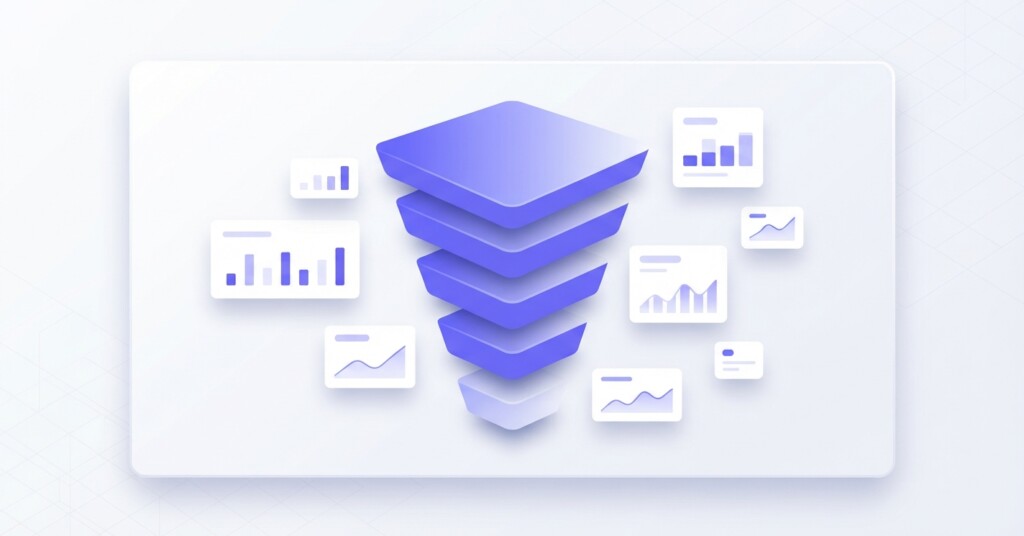
If you are running an e-commerce business on Shopify — whether as your primary storefront or alongside Shopee, Lazada, or TikTok Shop — your conversion funnel is one of the most valuable diagnostics available to you. Yet most store owners glance at their overall conversion rate, shrug when it looks low, and move on to the next problem. That is a costly habit. Understanding exactly where customers leave your funnel before purchasing allows you to make targeted fixes that improve revenue without spending more on traffic.
This article walks through how to read and act on Shopify’s funnel and behaviour analytics, what each stage of the funnel actually tells you, and how to translate those insights into practical improvements that show up in your gross profit and contribution margin — not just your click-through rates.
What the Shopify Funnel Report Actually Measures
Shopify’s built-in analytics (available under Analytics > Reports across standard Shopify plans) includes a conversion rate breakdown report. While Shopify’s native funnel specifically tracks four core stages — total sessions, sessions with cart additions, sessions that reached checkout, and sessions that completed checkout — merchants commonly evaluate five key stages by incorporating product page view data: sessions, sessions that reached the product page, sessions that added to cart, sessions that reached checkout, and sessions that completed a purchase.
Each stage represents a decision point. A customer who lands on your store and never views a product has a navigation or trust problem. A customer who views products but never adds to cart has a product page or pricing problem. A customer who adds to cart but never starts checkout has a friction or intent problem. A customer who starts checkout but does not complete it has a payment, cost, or confidence problem. Treating all ‘non-converting sessions’ as one lump metric misses the point entirely.
Reading the Drop-Off Percentages Stage by Stage
The most useful way to analyse your funnel is to calculate the step-to-step conversion rate — that is, the percentage of sessions that advance from one stage to the next. Here is a realistic example for a Shopify store selling skincare products:
| Funnel Stage | Sessions | Step Conversion Rate | Drop-Off Rate |
|---|---|---|---|
| Total Sessions | 12,400 | — | — |
| Reached Product Page | 7,440 | 60.0% | 40.0% |
| Added to Cart | 2,232 | 30.0% | 70.0% |
| Reached Checkout | 1,227 | 55.0% | 45.0% |
| Completed Purchase | 626 | 51.0% | 49.0% |
The headline conversion rate here is approximately 5.0% to 5.1% (626 ÷ 12,400). That number alone tells you nothing actionable. But the step-by-step breakdown shows that the biggest proportional drop-off is between the product page and the cart — only 30% of people who view a product add it to their cart. That is where this business should focus first.
Practical rule of thumb: If your product-page-to-cart rate is below 8–12%, investigate your product photography, pricing presentation, reviews, and the clarity of your product descriptions. If your checkout-to-purchase rate is below 55%, investigate payment options, shipping costs disclosed at checkout, and trust signals at the payment step.
Segmenting the Funnel by Traffic Source
An aggregate funnel report can hide enormous variation between traffic sources. A session arriving from a TikTok ad or referral link behaves very differently from a session arriving from Google Shopping or from an email campaign to existing customers.
In Shopify Analytics, you can filter funnel and behaviour reports by traffic source under the ‘Sessions by traffic source’ report. Cross-referencing this with your funnel data reveals which channels are sending you high-intent traffic versus browsers who never intended to buy.
For example, a business selling homeware across Shopify, Lazada, and TikTok Shop might find: TikTok-sourced traffic to Shopify has a 2.1% overall conversion rate, while email-sourced traffic converts at 9.4%. The TikTok audience discovered the product through a short video and is curious — they are not yet in buying mode. This does not mean TikTok traffic is worthless; it means your Shopify store needs to capture and nurture that interest before expecting a same-session purchase.
What Each Drop-Off Stage Is Actually Telling You
Stage 1 — Session to Product Page (Navigation Drop-Off)
If a large proportion of sessions never reach a product page, customers are either bouncing from the homepage without navigating further, or landing on collection pages and not clicking through. Common causes include a cluttered homepage, unclear product categories, slow load times, or irrelevant traffic arriving from broad ad targeting.
Check your Shopify ‘Top landing pages’ and ‘Sessions by landing page’ reports alongside the funnel. If your homepage has a 70% bounce rate but your product collection pages have a 30% bounce rate, the issue is homepage clarity and navigation structure, not your products themselves.
Stage 2 — Product Page to Cart (Conversion Intent Drop-Off)
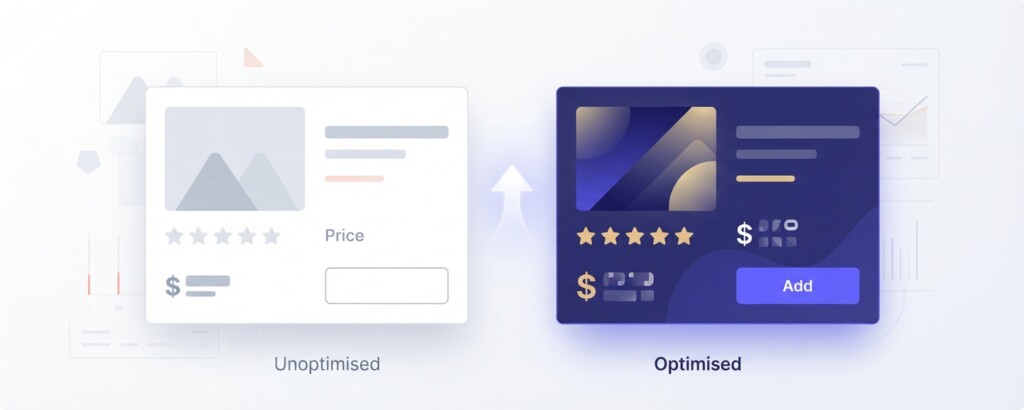
This is frequently the most expensive drop-off stage for product-focused stores. Customers are interested enough to click through — they just will not commit. The most common reasons are: price point uncertainty, insufficient social proof (reviews, ratings, user photos), unclear sizing or specifications, weak product photography, or no urgency or incentive to act now.
If you are also selling on Lazada or Shopee, check whether customers are visiting your Shopify store but purchasing on the marketplace instead — sometimes because marketplace pricing is perceived as more competitive or because they trust marketplace payment protection more. If your Shopify product page-to-cart rate is consistently below your marketplace add-to-cart rate for the same SKU, that is a strong signal that your Shopify store experience needs investment.
Stage 3 — Cart to Checkout (Friction and Commitment Drop-Off)
Customers who have items in their cart but do not proceed to checkout are usually pausing rather than abandoning entirely. They may be comparison-shopping, waiting for a promo code, or simply interrupted. Note that Shopify’s native automated recovery emails trigger only after a checkout has started and contact details are entered; re-engaging pre-checkout cart abandoners requires on-site prompts or third-party marketing automation flows tracking identified visitors.
Look at your average cart value alongside this drop-off rate. If high-value carts are abandoning more than low-value ones, customers may be hesitating because the total feels risky without free shipping or a stronger returns policy. Adding a free-shipping threshold just above your current average order value can simultaneously increase average order value and reduce cart abandonment.
Stage 4 — Checkout to Purchase (Payment and Trust Drop-Off)
Checkout abandonment is costly because these are your highest-intent visitors. They have committed their time, selected products, and started the purchase process. The most common reasons for checkout abandonment include: unexpected shipping costs disclosed only at checkout, no preferred payment method available, mandatory account creation, or concerns about site security. This is also where Shopify’s native abandoned checkout recovery emails can help win back sales.
Do not assume checkout abandonment is always a price problem. If you add payment methods (such as Buy Now Pay Later options) without also addressing shipping cost transparency and removing forced account creation, you will see only marginal improvement. Fix all three friction points together to see a meaningful uplift.
Building a Funnel Improvement Priority Matrix
Rather than working on every funnel stage simultaneously, build a simple priority matrix based on two factors: the volume of sessions dropping off at each stage, and the estimated revenue impact of a 5-percentage-point improvement at each stage.
| Current completed purchases | 626 |
| Average order value | $84 |
| Current monthly revenue from Shopify | $52,584 |
| If checkout completion rate improves from 51% to 56% (adding ~61 purchases) | +$5,124 |
| If product page-to-cart rate improves from 30% to 35% (adding ~104 purchases at same downstream rates) | +$8,736 |
| Estimated additional monthly revenue from fixing product page stage first | $8,736 |
In this example, improving the product-page-to-cart rate by five percentage points generates substantially more revenue uplift than improving checkout completion by the same margin — because far more sessions pass through the product page stage. This is why segment-level funnel analysis should drive your optimisation roadmap, not gut feeling.
Connecting Funnel Performance to Profitability
Funnel analysis is not just a traffic and UX exercise — it has direct implications for your gross profit and contribution margin. Consider a business spending $8,000 per month on paid traffic to Shopify. If the funnel is converting at 5.1% overall, the effective cost per acquisition is high. Improving the funnel reduces your customer acquisition cost without increasing your ad spend, which directly lifts contribution margin.
When measuring funnel improvements, track contribution margin per channel — not just revenue. A higher conversion rate driven by heavy discounting (for example, offering 20% off to recover abandoned carts) may increase purchase volume but erode gross profit per order. The goal is to improve conversion through better experience and trust, not through margin-destroying incentives.
| Scenario | Monthly Purchases | Avg Order Value | Revenue | COGS (55%) | Gross Profit |
|---|---|---|---|---|---|
| Baseline (5.1% CVR, no discount) | 626 | $84 | $52,584 | $28,921 | $23,663 |
| Improved funnel, no discount (6.2% CVR) | 769 | $84 | $64,596 | $35,528 | $29,068 |
| Higher CVR via 15% discount | 769 | $71 | $54,599 | $30,030 | $24,569 |
The table above illustrates a critical point: improving your funnel through experience optimisation (better product pages, faster load times, clearer pricing) grows gross profit significantly more than improving conversion through discounting. The discount scenario recovers volume but adds only marginal gross profit compared to a clean funnel improvement.
Using BrizoMarket to Connect Multi-Channel Funnel Data to Financial Performance
One challenge multi-channel sellers face is that Shopify’s funnel reports cover only the Shopify storefront. If you are also selling on Shopee, Lazada, or TikTok Shop, you have funnel and conversion data spread across separate platforms, each with different reporting formats and metrics.
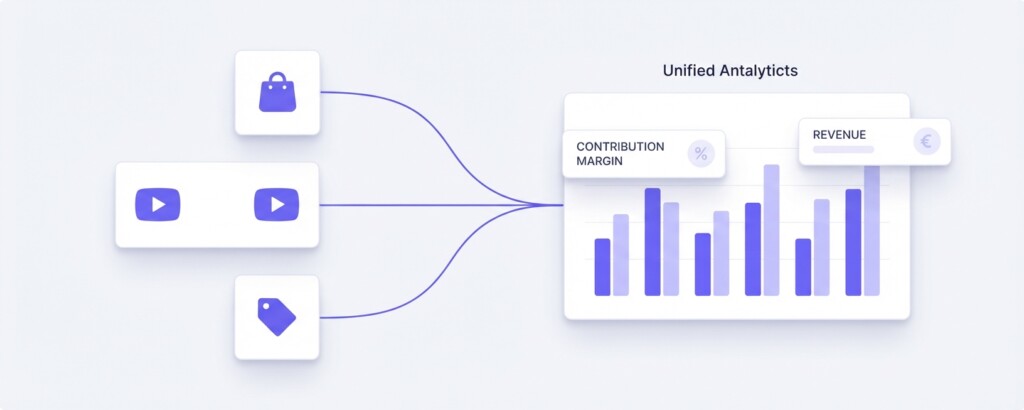
BrizoMarket is designed for exactly this situation — bringing together revenue, cost, margin, and channel performance data across Shopify and marketplace channels into a unified view. Rather than exporting spreadsheets from four platforms and reconciling them manually, you can analyse which channel is generating the best contribution margin per order and where funnel improvements will have the greatest financial impact across your entire operation.
Practical Next Steps for Shopify Store Owners
- Open Shopify Analytics and pull your funnel data for the last 30 days. Calculate the step-by-step conversion rate for each stage using the formula: sessions advancing ÷ sessions entering that stage × 100.
- Identify your single largest proportional drop-off stage. Focus your first round of optimisation here rather than spreading effort across all stages simultaneously.
- Segment the funnel by traffic source. Identify which sources produce the highest product-page-to-cart rates and which sources produce high bounce rates before reaching a product page. Adjust your ad targeting and landing page strategy accordingly.
- For product page drop-off: audit your top 10 products by traffic volume. Check review count, image quality, mobile display, pricing clarity, and whether shipping costs are visible before checkout.
- For checkout drop-off: enable Shop Pay and at least one Buy Now Pay Later option, display your returns policy prominently at checkout, and remove mandatory account creation as a prerequisite.
- Set a baseline for each funnel stage metric today. Review monthly and measure whether your changes are moving the step-conversion rates in the right direction.
- Calculate the revenue and gross profit impact of each improvement scenario before prioritising. A five-point improvement at the product page stage is often worth more than the same improvement at the checkout stage because of the higher session volume at that point.
Key takeaway: Your overall Shopify conversion rate is a summary metric, not a diagnostic tool. Break your funnel into stages, calculate step-to-step conversion rates, identify the stage with the highest volume of drop-off, and fix that stage first. Combine funnel improvements with margin tracking to ensure you are growing profitable revenue, not just transaction volume.
Analyse Your Multi-Channel Funnel and Profitability in One Place
BrizoMarket connects your Shopify, Shopee, Lazada and TikTok Shop data so you can see where customers drop off and how each channel contributes to your overall gross profit and contribution margin — without the spreadsheet chaos.