How to Use Lazada Seller Centre Traffic Reports to Diagnose Why High-Impression Listings Are Not Converting
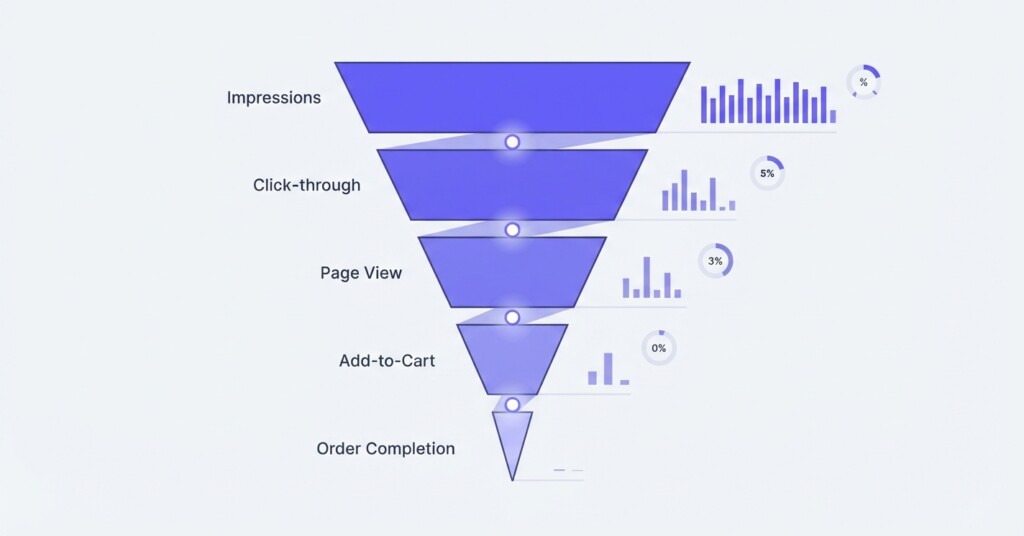
You check your Lazada Seller Centre dashboard and see thousands of impressions on a product listing. Traffic is flowing, shoppers are seeing your product — yet units sold barely move. This is one of the most frustrating situations an e-commerce operator faces: visibility without revenue. Before assuming the problem is price, competition, or bad luck, the answer is almost always inside your Traffic Reports. This article walks through exactly how to read those reports, what the numbers are telling you, and what actions to take to fix conversion at the listing level.
Understanding the Metrics Inside Lazada’s Traffic Reports
Lazada Seller Centre provides traffic and product diagnostic tools within the Business Advisor module, accessible under the ‘Data’ or ‘Analytics’ menu depending on your account view. The core metrics you need to work with are Impressions, Clicks, Click-Through Rate (CTR), Product Detail Page Views, Add-to-Cart, and Orders. Each metric represents a stage in the conversion funnel, and a breakdown at any stage tells a different diagnostic story.
- Impressions: The number of times your listing appeared in search results, category pages, or promotional placements.
- Clicks: The number of times a shopper tapped or clicked on your listing to open it.
- CTR (Click-Through Rate): Clicks divided by Impressions, expressed as a percentage.
- Product Detail Page (PDP) Views: How many times the full product page was loaded — sometimes slightly different from Clicks due to traffic sources and external referrals.
- Add-to-Cart (ATC): How many sessions added the item to cart after viewing the PDP.
- Orders: Confirmed purchases from those sessions.
Each drop between stages is normal — no listing converts 100% of impressions into orders. The diagnostic value comes from identifying which drop is abnormally steep compared to your other listings or to category benchmarks.
Building a Funnel View From Your Traffic Data
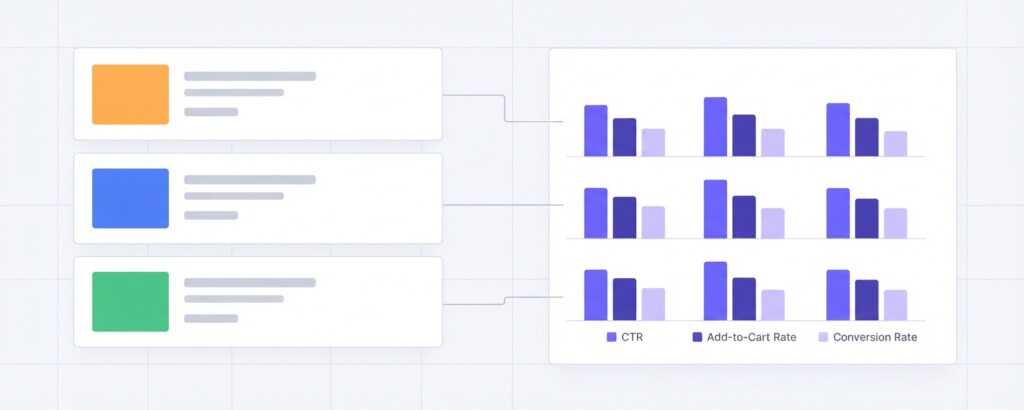
Export your Business Advisor Traffic Report for a 30-day period and pull the following data for your top ten listings by impression volume. Organise the data into a funnel table. Here is a realistic example using three product listings from a skincare seller running across Lazada, Shopee, and their own Shopify store.
| Listing | Impressions | Clicks | CTR % | ATC | ATC Rate % | Orders | Conversion Rate % |
|---|---|---|---|---|---|---|---|
| Vitamin C Serum 30ml | 48,200 | 1,928 | 4.0% | 386 | 20.0% | 77 | 4.0% |
| Retinol Night Cream 50g | 51,600 | 826 | 1.6% | 165 | 20.0% | 33 | 4.0% |
| Hyaluronic Toner 150ml | 44,900 | 1,796 | 4.0% | 72 | 4.0% | 14 | 0.8% |
Three different problems emerge immediately. The Retinol Night Cream has strong impressions but a very low CTR — shoppers are seeing it but not clicking. The Hyaluronic Toner has a healthy CTR but a drastically low ATC rate, meaning shoppers open the listing and then leave without adding to cart. The Vitamin C Serum is performing well across all stages as a reference point. Each failing listing requires a completely different fix.
A high impression count with low CTR is a thumbnail and title problem. A high CTR with low ATC or conversion is a product page problem. Treating both the same way — for example, running more ads — will waste budget without improving results.
Diagnosing Low CTR: The Listing Is Visible But Not Appealing
If CTR falls below roughly 2% on a listing with strong impressions, the issue is almost always one of three things: the main thumbnail image is weak relative to competitors in the same search results, the listing title is not matching shopper intent clearly enough, or the price is visibly higher than adjacent listings and the perceived value gap is obvious at a glance.
To confirm this, open an incognito browser and search the same keyword your listing is targeting. Look at your listing in context with the five or six results surrounding it. Ask: Is your thumbnail bright, clear, and professional? Does your price look competitive on first view? Does your title front-load the most important keywords and benefits? On Lazada’s mobile app, the first 40 to 50 characters of a title are what shoppers typically read in search results. If you open with your brand name rather than the product type, you lose valuable keyword real estate.
For the Retinol Night Cream example above, the fix would start with a new lead thumbnail that shows the product in use or includes a clear results-focused visual, and a title restructure that leads with ‘Retinol Night Cream’ followed by the key benefit claim, rather than the brand name.
Diagnosing Low ATC Rate: Shoppers Are Opening the Listing But Leaving
When CTR is healthy but ATC rate collapses — as seen with the Hyaluronic Toner — the problem is inside the product detail page itself. Shoppers are interested enough to click, but something on the page breaks their intent. The most common causes are:
- Price mismatch: The product appears affordable in search but reveals a higher price (due to variants or fees) when clicked.
- Weak product description: No clear explanation of what the product does, who it is for, or what results to expect.
- Missing or low-quality secondary images: Shoppers rely on multiple angles, ingredients, usage shots and size reference images.
- Poor reviews or no reviews: A listing with fewer than ten reviews and an average below 4.2 stars will suffer severely on ATC rates.
- Confusing variants: If size or shade selection is unclear, shoppers abandon rather than guess.
- Shipping cost surprise: Visible delivery fees or long shipping windows revealed on the PDP can cause abandonment.
Do not assume adding a Lazada Sponsored Discovery campaign will fix a low ATC rate. Paid traffic amplifies the funnel you already have. If your product page is losing shoppers, spending on ads will drive more impressions and clicks but produce the same poor ATC and order numbers — at additional cost. Fix the page first.
Comparing Channel Performance to Isolate Listing-Specific Problems
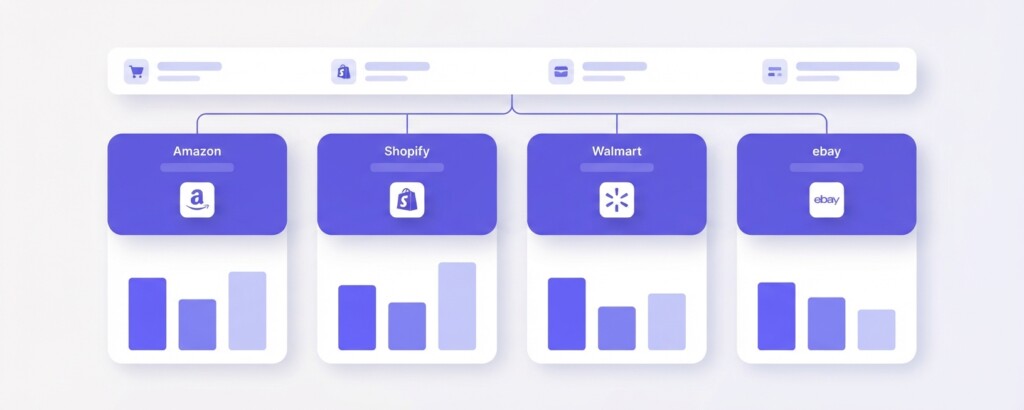
One of the most useful diagnostic techniques for multi-channel sellers is cross-channel comparison. If you sell the same Hyaluronic Toner on Shopee and Shopify as well as Lazada, check the conversion rate on those platforms. If the product converts at 2.5% on Shopee and 1.8% on your Shopify store, but only 0.8% on Lazada, the issue is almost certainly Lazada-specific: the listing content, the price, or the review count on that particular platform. If conversion is poor across all channels, the product itself or its price point is the underlying problem.
This cross-channel view is where a tool like BrizoMarket becomes genuinely useful — it allows you to pull your Lazada, Shopee, Shopify, and TikTok Shop data into a single view so you can compare the same SKU’s performance across platforms without manually stitching together four separate exports.
Calculating the Revenue Cost of a Conversion Problem
It is worth quantifying what a low conversion rate is actually costing you in revenue terms. This reframes the problem from a marketing issue to a financial one — which tends to accelerate action.
| Monthly impressions on Hyaluronic Toner (Lazada) | 44,900 |
| Current CTR at 4.0% = Clicks | 1,796 |
| Current ATC rate at 4.0% = ATC sessions | 72 |
| Current conversion rate at 0.8% of clicks = Orders | 14 |
| Average order value (SGD) | $38.00 |
| Current monthly revenue from this listing | $532 |
| If ATC rate improved to 20% (matching Vitamin C Serum): ATC sessions | 359 |
| At same ~20% close rate on ATC: Orders | 72 |
| Projected monthly revenue at improved ATC rate | $2,736 |
| Monthly revenue uplift from fixing the product page | $2,204 |
This calculation shows that improving the Hyaluronic Toner’s ATC rate from 4% to 20% — by fixing the product page — could generate an additional $2,204 per month from the same impression volume. That is without spending a single additional dollar on advertising or platform fees.
A Step-by-Step Diagnostic Process for High-Impression, Low-Converting Listings
- Export 30 days of Traffic and Product data from Lazada Seller Centre Business Advisor for all active listings with more than 10,000 impressions.
- Calculate CTR (Clicks / Impressions) and conversion rate (Orders / Clicks) for each listing.
- Flag any listing with CTR below 2% as a ‘thumbnail and title problem’ for review.
- Flag any listing with CTR above 2% but ATC rate below 10% as a ‘product page problem’ for review.
- For CTR problems: audit main image, title structure, and price versus the top five competing listings in search.
- For ATC problems: audit all secondary images, description quality, review count and rating, variant clarity, and shipping information.
- Compare performance of the same SKU on Shopee or Shopify to determine if the issue is listing-specific or product-wide.
- Calculate the monthly revenue cost of the conversion gap to prioritise which listings to fix first.
- Implement changes and re-measure over the following 14 to 21 days before drawing conclusions.
Profitability Considerations: Conversion Rate Is Not the Whole Story
When improving conversions on Lazada, keep your margin position in mind. A higher conversion rate achieved through aggressive discounting may inflate order volume while compressing gross profit per unit. Always connect your Traffic Report analysis back to your unit economics.
For example, if your Hyaluronic Toner has a cost of goods of $12 and sells at $38, your gross margin before platform fees is approximately 68%. Lazada’s commission, payment fees and any LazMall fees might total 8–12% of revenue, leaving you a contribution margin in the range of 56–60% before shipping subsidies and ad spend. Improving CTR by running a limited-time discount to $28 might lift orders — but your gross margin drops significantly and the sustainability of that strategy needs to be modelled before committing to it.
The most durable conversion improvements come from better content, stronger social proof through reviews, and clearer value communication — none of which erode your margin.
What Good Looks Like: Reference Benchmarks for Lazada Listings
| Metric | Needs Attention | Acceptable | Strong Performance |
|---|---|---|---|
| CTR (Search traffic) | Below 1.5% | 1.5% – 3.0% | Above 3.0% |
| ATC Rate (of PDP views) | Below 8% | 8% – 18% | Above 18% |
| Listing Conversion Rate (Orders / Clicks) | Below 1.0% | 1.0% – 3.5% | Above 3.5% |
| Review Count (for trust) | Fewer than 10 | 10 – 50 | More than 50 |
| Average Star Rating | Below 4.0 | 4.0 – 4.4 | 4.5 and above |
These ranges are illustrative guidelines based on typical e-commerce performance patterns, not official Lazada benchmarks. Your own top-performing listings are your most relevant internal benchmark — use them as the standard to chase across your catalogue.
Practical Next Steps
The Traffic reports inside Lazada Seller Centre’s Business Advisor contain enough information to diagnose and prioritise listing problems with precision. The key discipline is reading the funnel in stages rather than looking only at total orders or revenue. Identify where shoppers are leaving, understand why based on the stage of drop-off, calculate the revenue cost, and fix the right element. Run your diagnostics monthly so that newly degrading listings are caught early — especially if a competitor enters the same category or Lazada’s algorithm shifts ranking for your keywords.
For sellers managing the same catalogue across Lazada, Shopee, Shopify, and TikTok Shop simultaneously, manual comparison across four separate dashboards quickly becomes unmanageable. Consolidating that data into a unified view — whether through a purpose-built multi-channel analytics tool or a structured internal reporting process — makes the difference between reacting slowly to problems and catching them in time to protect revenue.
Struggling to track performance across multiple sales channels?
BrizoMarket helps e-commerce operators bring their Lazada, Shopee, Shopify and TikTok Shop data together so they can diagnose listing performance, track profitability and make faster, better-informed decisions across their entire business.