How to Use Shopify Sessions and Conversion Rate Reports to Identify Which Device Types Are Costing You the Most Lost Revenue
Most Shopify store owners check their overall conversion rate and leave it at that. But buried inside your Shopify analytics is a more valuable signal: your conversion rate broken down by device type. When you split sessions and conversions across desktop, mobile, and tablet, you often find that one device category is quietly destroying a disproportionate share of your potential revenue — and you had no idea it was happening.
This article walks through how to read Shopify’s Sessions and Conversion Rate reports, how to calculate the revenue you are losing by device type, and what actions to take when the numbers reveal a problem. The analysis is practical and applies directly to operators running multi-channel businesses across Shopify, Shopee, Lazada, and TikTok Shop.
Why Device-Level Conversion Data Matters for Profitability
Your marketing spend drives traffic from multiple sources — paid social, organic search, influencer campaigns, and channel-specific ads. Each of those traffic sources has a different device mix. TikTok Shop traffic, for example, is almost entirely mobile. Google Shopping campaigns often bring in a higher share of desktop sessions. If your mobile conversion rate is significantly lower than your desktop rate, then every dollar you spend on TikTok or mobile-heavy paid social is generating far fewer orders than your blended conversion rate would suggest.
This creates a measurement problem that affects your entire profitability model. Your ROAS calculations, contribution margin estimates, and channel comparisons are all built on conversion assumptions. If those assumptions are blended across devices, you may be systematically over-valuing channels with heavy mobile traffic and under-investing in channels that bring better-converting visitors.
A blended conversion rate hides device-level performance gaps. If your store converts at 3.2% on desktop but only 1.1% on mobile, and 70% of your paid traffic arrives on mobile, your effective paid conversion rate is far closer to 1.1% than 3.2% — meaning your real ROAS is materially lower than your dashboard suggests.
Finding the Data Inside Shopify Analytics
Shopify’s built-in analytics includes a ‘Sessions by device’ report under the Behavior category, alongside conversion rate metrics. To access these, go to Analytics → Reports in your Shopify admin. On Shopify Basic, merchants have access to core pre-built reports, while higher tiers like Shopify Advanced and Shopify Plus offer custom report creation and advanced filtering capabilities.
- Navigate to Analytics → Reports in your Shopify admin.
- Open the ‘Sessions by device’ report under the Behavior section.
- Open the ‘Conversion rate over time’ or ‘Conversion rate breakdown’ report and set the same date range.
- Export your report data to a spreadsheet so you can calculate device-specific conversion rates and lost revenue figures manually.
- Set your date range to at least 90 days to get statistically meaningful session volumes.
Once you have session counts, conversion rates, and average order values by device, you have everything you need to calculate the revenue gap between what your store is generating and what it could be generating if all devices converted at your best-performing device rate.
How to Calculate Lost Revenue by Device Type
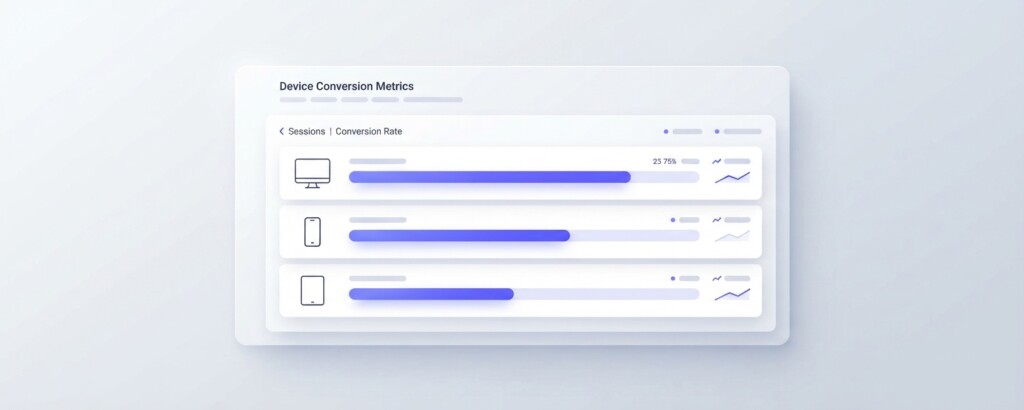
The calculation is straightforward. For each device type, you compare the actual number of orders generated against the number of orders that would have been generated if that device had converted at your best-performing device rate. The difference, multiplied by your average order value, gives you the revenue gap.
Here is a worked example using realistic figures for a mid-size Shopify store with a blended AOV of $85.
| Device | Sessions (90 days) | Actual CVR | Actual Orders | Desktop CVR Applied | Potential Orders | Lost Orders | Lost Revenue (at $85 AOV) |
|---|---|---|---|---|---|---|---|
| Desktop | 28,000 | 3.8% | 1,064 | 3.8% | 1,064 | 0 | $0 |
| Mobile | 61,000 | 1.2% | 732 | 3.8% | 2,318 | 1,586 | $134,810 |
| Tablet | 9,000 | 2.1% | 189 | 3.8% | 342 | 153 | $13,005 |
| Total | 98,000 | — | 1,985 | — | 3,724 | 1,739 | $147,815 |
In this example, the mobile conversion rate gap alone is responsible for nearly $135,000 in unrealised revenue over 90 days. That is roughly $540,000 annualised — from a problem that does not show up as a line item on any cost report, and therefore rarely gets the attention it deserves.
| Mobile sessions (90 days) | 61,000 |
| Actual mobile conversion rate | 1.2% |
| Actual mobile orders | 732 |
| Desktop conversion rate (benchmark) | 3.8% |
| Potential mobile orders at desktop CVR | 2,318 |
| Lost orders (gap) | 1,586 |
| Average order value | $85 |
| Lost revenue (90-day period) | $134,810 |
Common Causes of Mobile Conversion Rate Gaps on Shopify
Before you can fix the problem, you need to understand what is causing it. A large mobile-to-desktop conversion gap on Shopify typically comes from one or more of the following issues.
- Slow mobile page load speeds — particularly on product and collection pages with heavy image files.
- A checkout flow that is not optimised for thumb navigation, causing drop-off at the payment step.
- Trust signals (reviews, security badges, returns policy) positioned too low on mobile layouts.
- Popups or interstitials that fire immediately on mobile and trigger user abandonment.
- Product images that appear poorly cropped or too small on smaller screens.
- Payment methods that are not mobile-friendly — missing Apple Pay, Google Pay, or local options.
- A mismatch between mobile ad creative (which promises a simple experience) and a complex mobile site.
The last point is particularly relevant for Shopify stores running TikTok promotions that drive users to the Shopify site rather than completing the sale inside TikTok Shop’s native checkout. If your mobile site experience is weak, you are paying to bring traffic from TikTok and then losing the sale to friction.
Do not assume that improving your Shopify mobile theme alone will close the gap. If your paid campaigns are driving mobile users from TikTok or Instagram to a slow landing page, the problem may sit with your page speed, your landing page structure, or your payment options — not just your theme. Diagnose before you redesign.
How This Analysis Changes Your Channel Profitability View
Once you understand your device-level conversion rates, you can recalibrate your channel-level profitability analysis. Consider a business running paid traffic from three sources: Google Shopping (70% desktop traffic), Meta (60% mobile traffic), and TikTok (95% mobile traffic). Using only the blended conversion rate would suggest all three channels are performing similarly. Using device-adjusted conversion rates tells a very different story.
| Channel | Device Mix | Effective CVR | Ad Spend | Revenue Generated | Gross Margin 45% | Gross Profit | ROAS |
|---|---|---|---|---|---|---|---|
| Google Shopping | 70% desktop / 30% mobile | 3.02% | $8,000 | $42,500 | 45% | $19,125 | 5.3x |
| Meta Ads | 40% desktop / 60% mobile | 2.24% | $8,000 | $32,200 | 45% | $14,490 | 4.0x |
| TikTok Ads | 5% desktop / 95% mobile | 1.33% | $8,000 | $19,270 | 45% | $8,672 | 2.4x |
This table illustrates how the same ad spend produces very different gross profit outcomes depending on the device mix of each channel’s traffic — even before accounting for differences in click costs, AOV, or targeting efficiency. Without device-adjusted analysis, you might conclude that TikTok is delivering acceptable ROAS. With it, you can see that your mobile conversion problem is actively suppressing TikTok’s contribution margin to the point where it may not be covering its own overheads.
Connecting Device Performance to Gross Profit, Not Just Revenue
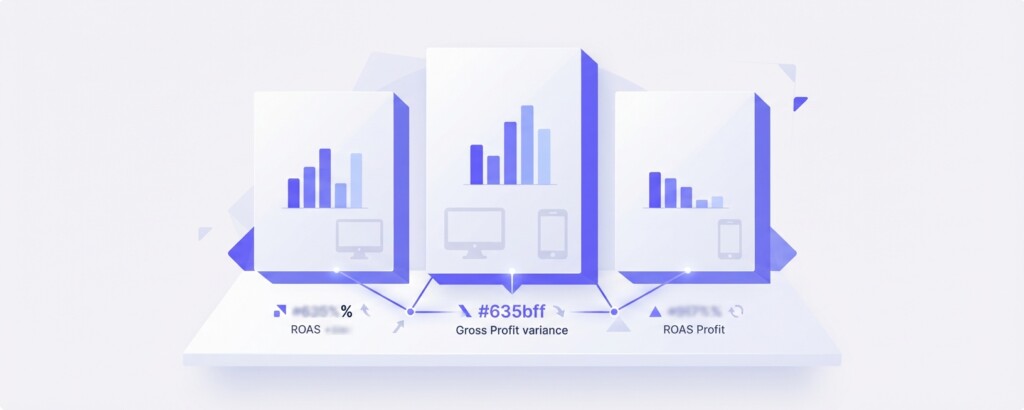
Revenue is the wrong endpoint for this analysis. What you care about is gross profit and contribution margin. When you calculate lost revenue from mobile conversion gaps, you also need to translate that into gross profit terms to understand the true cost of the problem.
Using the earlier example: $147,815 in lost revenue at a 45% gross margin rate represents $66,517 in lost gross profit over 90 days. That is the figure your business never sees — it does not appear on your P&L as a cost, but it is the real financial impact of an under-optimised mobile experience.
This reframing is important when you are making the case internally for investing in mobile optimisation work, speed improvements, or checkout redesign. Presenting the investment as ‘improving UX’ rarely moves a finance manager. Presenting it as ‘recovering $66,000 in gross profit per quarter’ is a different conversation entirely.
Using Multi-Channel Data to Benchmark Your Device Gap
If you operate across Shopify and managed marketplace channels like Shopee or Lazada, you have an additional benchmarking opportunity. Shopee and Lazada both use native mobile apps as their primary interface, and their checkout flows are designed around mobile UX. Orders placed through these platforms often reflect what your mobile conversion rate could look like if your own checkout were equally frictionless.
If your Shopee or Lazada channels are converting at significantly higher rates than your Shopify mobile sessions, the gap is almost certainly a checkout and UX problem rather than a product or pricing problem. That distinction matters because it tells you exactly where to focus your effort.
For teams that want to bring all of this data into a single view — Shopify session and conversion metrics alongside Shopee, Lazada, and TikTok Shop channel performance — BrizoMarket provides a multi-channel analytics layer that can surface device-level and channel-level performance in one place, making it easier to run this kind of comparative analysis without manually exporting data from multiple platforms.
Practical Next Steps: A Decision Framework
- Pull 90 days of Shopify session and conversion data by device type and export to a spreadsheet.
- Calculate your lost revenue and lost gross profit for each device type using your actual AOV and gross margin.
- Identify whether the largest gap is on mobile, tablet, or a specific traffic source.
- Run a page speed test on your mobile product and checkout pages using Google PageSpeed Insights.
- Check your Shopify checkout abandonment rate and step drop-offs — available under Analytics → Reports → Conversion rate breakdown.
- Test your checkout flow on an actual mobile device, paying attention to the payment step and form inputs.
- Evaluate whether enabling Shop Pay, Apple Pay, or Google Pay would reduce friction at the payment stage.
- If you are running TikTok or Meta campaigns to your Shopify site, consider A/B testing a simplified mobile landing page against your current setup.
- Set a quarterly review cadence for device-level conversion rate tracking so the gap does not silently widen again.
The Bottom Line
Device-level conversion rate analysis is one of the most under-used tools available to Shopify store operators. The data is sitting in your analytics right now. The revenue gap it reveals is often larger than operators expect, and — unlike many revenue problems — it is almost entirely fixable through operational and technical improvements rather than increased spending.
The key shift is to stop treating mobile conversion performance as a UX issue and start treating it as a profitability issue. When you quantify the lost gross profit in dollar terms, it becomes far easier to prioritise the work, justify the investment, and measure the return once improvements are made.
Track Device-Level and Channel-Level Performance in One Place
BrizoMarket helps multi-channel ecommerce businesses connect Shopify, Shopee, Lazada, and TikTok Shop data to surface the profitability gaps that blended reporting hides.